
Pick any color, get HEX, RGB & HSL instantly. Nothing ever uploaded.
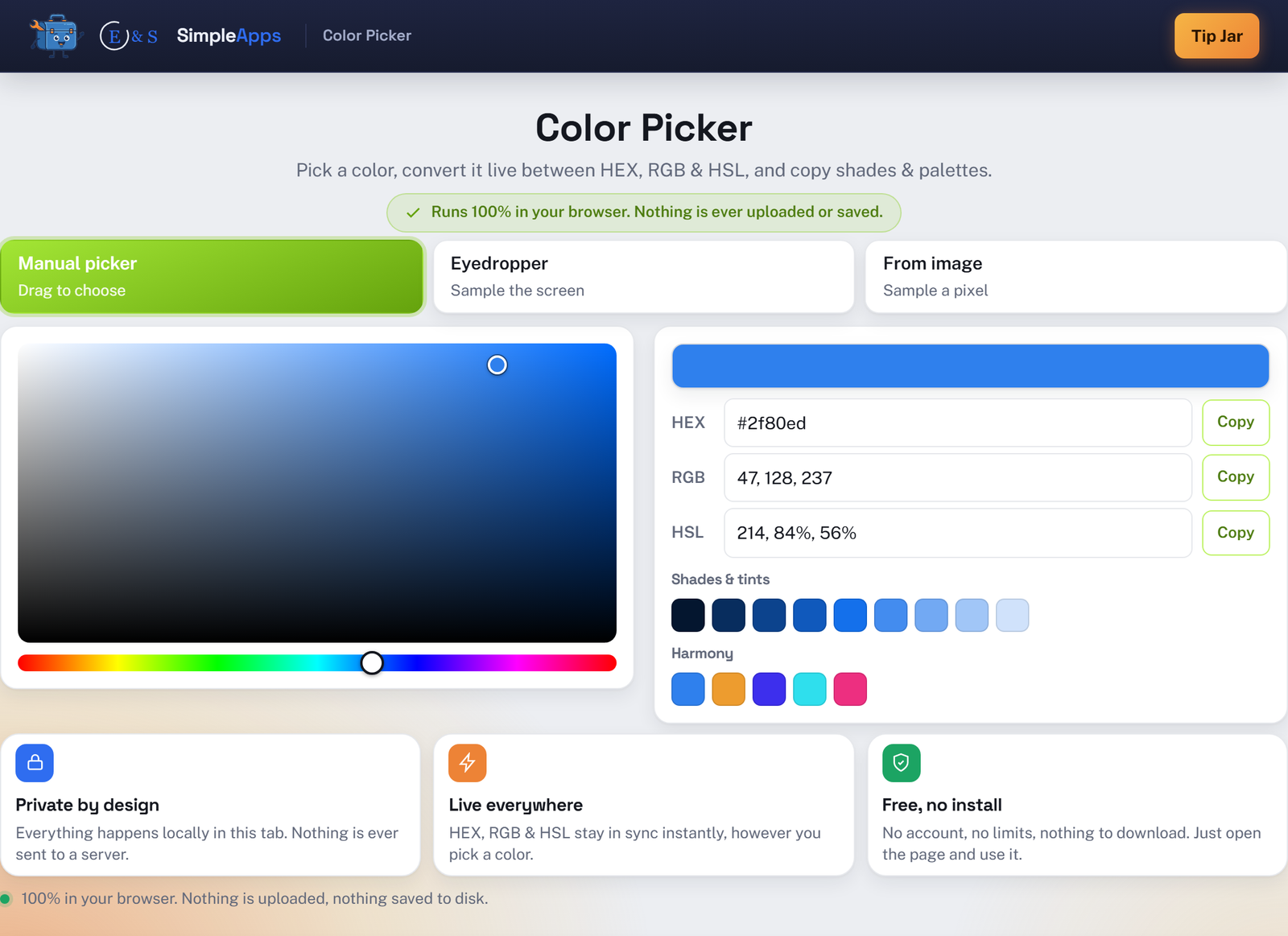
Color Picker lets you pick a color with a manual HSV picker, the screen eyedropper, or by sampling a pixel from an image, then read and copy it as HEX, RGB or HSL, all kept in sync live. It also builds a shade/tint ramp and a small harmony palette from whatever color you land on. Everything runs entirely in your browser: nothing is uploaded, nothing is saved, and closing the tab erases it. No install, no account.
Opens instantly · Nothing to install · No sign-up · Works in Chrome, Edge, Firefox & Safari
Private by design
Every pick, conversion and sample happens locally in this tab, with no server in the loop to trust.
Nothing is ever uploaded
Even the optional sample image is decoded straight into an in-memory canvas and never leaves your device.
Every format, always in sync
HEX, RGB and HSL update from each other instantly, however you picked the color.
No account, no limits
Free, forever, with no sign-up and no cap on how many colors you pick or copy.
How it works
Three steps, zero setup.
Pick a color
Drag the manual picker, use the screen eyedropper, or click a pixel on an uploaded image.
Read or edit it
HEX, RGB and HSL update live, or type into any field to jump straight to a specific value.
Copy what you need
Copy any format with one click, or grab a shade, tint, or harmony swatch instead.
Frequently asked questions
Is Color Picker really private, is my data uploaded?
Yes, it's private. Every pick, conversion, and pixel sample, including any image you use for sampling, happens locally in this browser tab. Nothing is ever sent to a server.
Do I need to install anything or create an account?
No install and no account. Color Picker runs entirely in your web browser, so just open the page and use it.
Does the eyedropper work in every browser?
The screen eyedropper uses your browser's built-in EyeDropper API, currently available in Chrome, Edge and other Chromium browsers. Where it isn't supported, that option is simply hidden, and the manual picker and image sampling still work everywhere.