
Shrink a PDF's file size in seconds. It never uploads
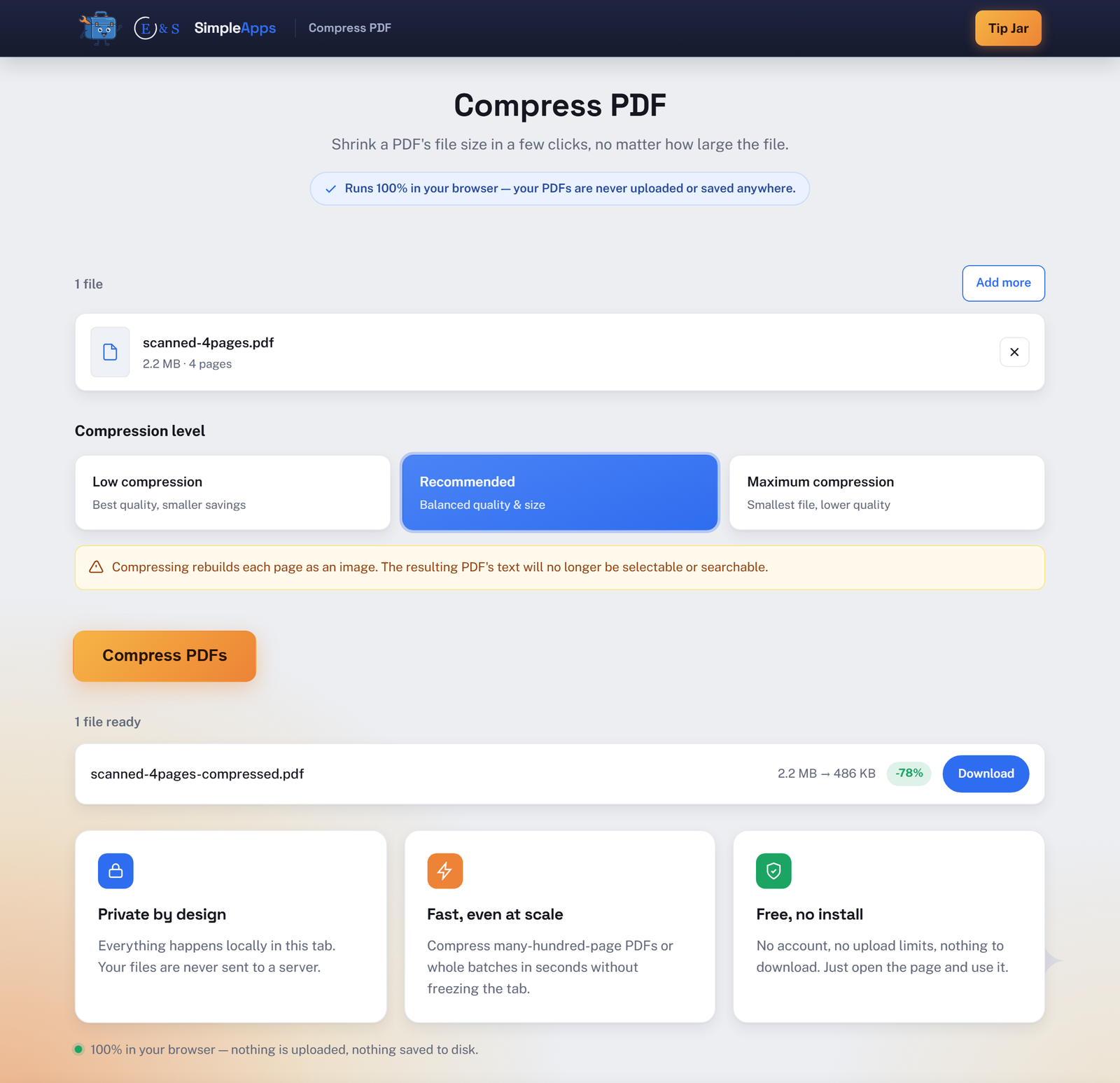
Drop in a PDF, pick a compression level, and download a smaller file. Compress PDF runs entirely inside your browser tab: your file is read and rebuilt locally, never sent to a server. Nothing is saved anywhere but your own downloads, and closing the tab erases every trace. No install, no account, no waiting on an upload.
Opens instantly · Nothing to install · No sign-up · Works in Chrome, Edge, Firefox & Safari
Private by design
Your file never touches a server. Compressing happens entirely in your browser's memory.
Nothing is uploaded
Your PDF is read and rebuilt locally in your browser's memory. It's never sent to a server, so there's nothing to leak, log, or lose.
Handles large batches
Compress many large, many-hundred-page PDFs at once without freezing the tab. Processing runs in the background so the interface stays responsive.
Honest about the tradeoff
Compressing rebuilds each page as an image, so the file gets smaller but the text is no longer selectable or searchable afterward. We tell you this up front, not in fine print.
How it works
Three steps, zero setup.
Drop your PDF
Click to choose a file or drag it straight into the browser tab. Nothing uploads, it's read locally.
Pick a compression level
Choose Low, Recommended, or Maximum compression, balancing quality against file size.
Download the smaller PDF
One click rebuilds the file at a smaller size, ready to download.
Frequently asked questions
Is Compress PDF really private? Is my data uploaded?
No. Compress PDF processes your file entirely inside your browser tab using JavaScript. It's never sent to a server or any third party. Close the tab and it's gone.
Will my PDF's text still be selectable and searchable after compressing?
No. Compress PDF rebuilds each page as a re-encoded image to shrink the file size, so the resulting PDF's text is flattened into pictures and can no longer be selected, searched, or copied. If you need to keep selectable text, don't compress that file, or keep the original alongside the compressed copy.
Do I need to install anything or create an account?
No install and no account. Compress PDF runs entirely in your web browser, just open the page and use it.
Is Compress PDF free?
Yes, Compress PDF is completely free to use. It runs in your browser with nothing to buy and no account to create.