
Crop and resize any image to exact pixels, never uploaded.
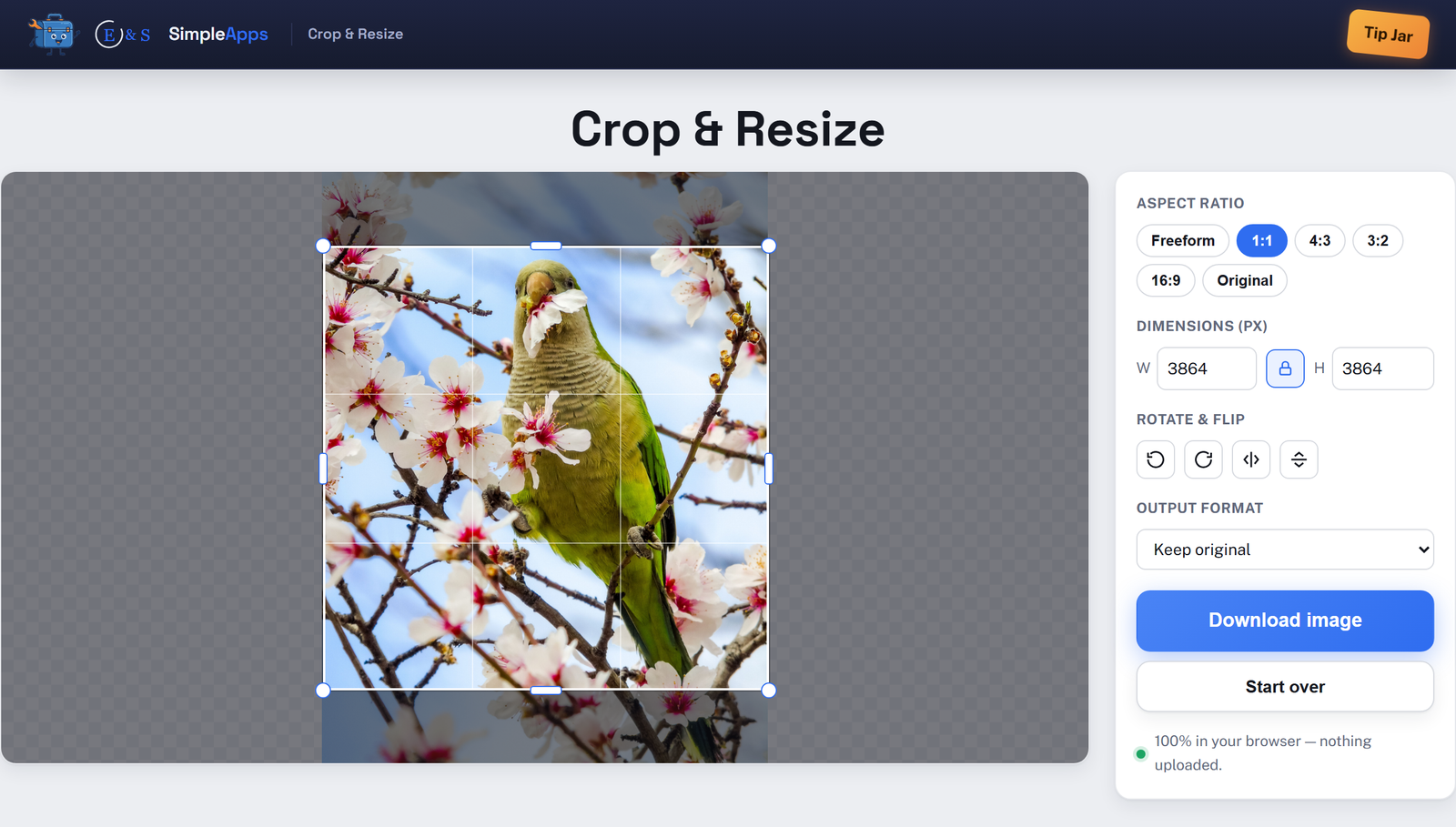
Drag to crop with freeform or preset aspect ratios, dial in an exact pixel width and height, and rotate or flip, all without leaving this tab. Everything runs locally in your browser: your image is never uploaded, never saved anywhere, and disappears the moment you close the tab. No install, no account, no limits.
Opens instantly · Nothing to install · No sign-up · Works in Chrome, Edge, Firefox & Safari
Private by design
The crop, resize, rotate, and flip all happen on your own device, there's no server in the loop to trust.
Private by design
Your image is decoded and processed entirely in memory in this tab. It's never sent to a server.
Exact pixel dimensions
Crop with freeform or preset aspect ratios, then dial in the precise width and height you need.
Free, no install
No account, no upload limits, nothing to download. Just open the page and use it.
How it works
Three steps, zero setup.
Add an image
Drop an image onto the page or choose one from your computer, any common format.
Crop, resize, rotate
Drag the crop handles or pick an aspect ratio, set an exact pixel size, and rotate or flip as needed.
Download
Choose an output format and download the result. Nothing was ever uploaded.
Frequently asked questions
Is Crop & Resize really private, is my data uploaded?
No. Your image is loaded straight into the browser tab and processed locally with the Canvas API. It's never uploaded to a server, and nothing is saved unless you click Download.
Do I need to install anything or create an account?
No install and no account. Crop & Resize runs entirely in your web browser, just open the page and use it.
Is Crop & Resize free?
Yes, Crop & Resize is completely free to use. It runs in your browser with nothing to buy and no account to create.
Can I resize an image to be larger than the original?
Yes. Unlike a simple compressor, this tool is built for hitting an exact target size, including upscaling past your cropped selection's native resolution. You'll see a warning when the requested size is much larger than the source, since upscaling can soften detail.
What image formats are supported?
You can open JPG, PNG, WebP, GIF, BMP, and most other common image formats, and export as JPEG, PNG, or WebP.